
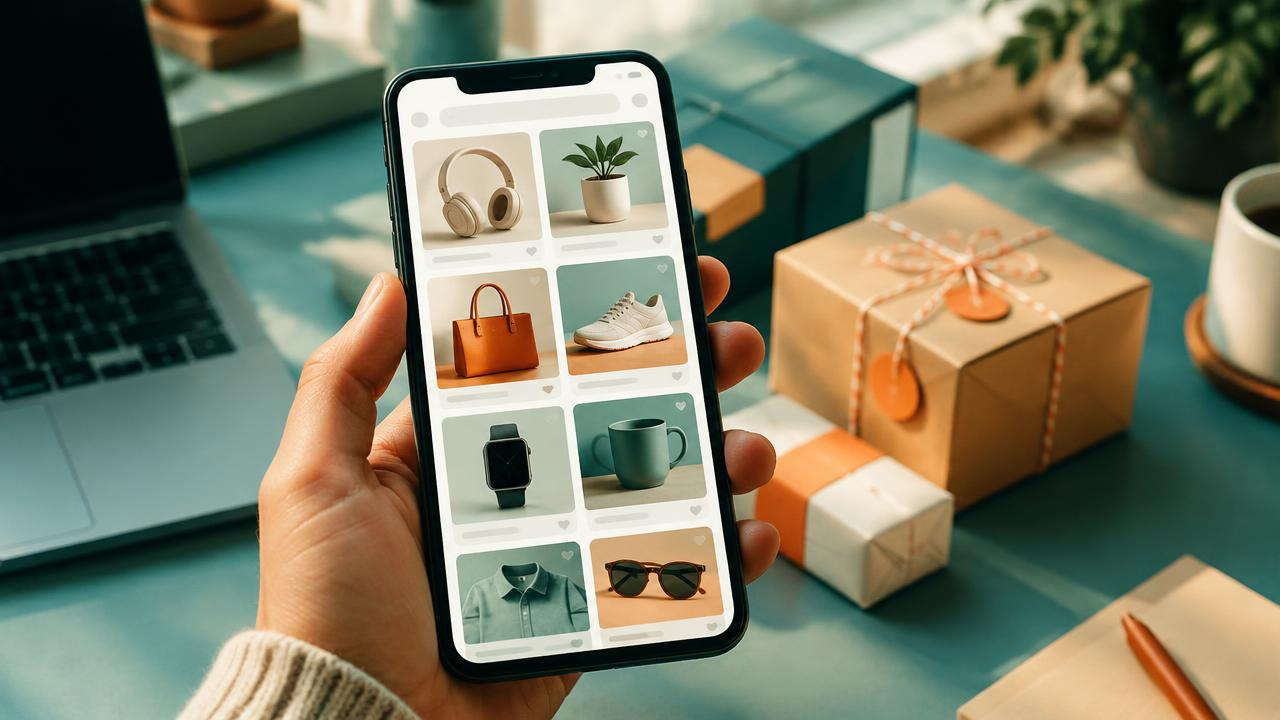
In Google Shopping there are no keywords — your product feed decides which searches you appear for. That makes Google Shopping feed optimisation the single biggest lever you have: the same budget with a better feed simply reaches more of the right shoppers.
Titles: The Most Important Field
Google matches searches largely against your product title, and it weights the beginning of the title most. A strong title follows a pattern: brand + product type + key attributes. "Nike Air Zoom Pegasus 40 Men's Running Shoes Size 9 Blue" will always beat "Pegasus 40". Include the words shoppers actually type: size, colour, material, model number, pack size. Do not keyword-stuff or add promotional text like "free shipping" — that violates policy.
Images That Win the Click
Shopping results are visual, and your image competes side by side with others at the same price. Use a clean, well-lit photo on a plain light background, fill most of the frame with the product, and show the actual variant (the blue shoe, not the red one). No watermarks, logos or promotional text. For apparel, a model shot as the main image and flat shots as additional images usually work well.
Identifiers and Attributes
Provide GTINs wherever they exist — products with correct GTINs are eligible for more placements and richer listings. Fill in every relevant attribute: colour, size, material, pattern, age group, gender. Use product type and Google product category accurately; they help Google understand what you sell. The more complete the data, the more searches you match.
Custom Labels: Your Bidding Layer
Custom labels are feed fields only you see, used to split campaigns. Label products by margin band, price band, season or bestseller status, then bid more on high-margin bestsellers and less on clearance items. This is how you stop spending the same amount promoting a low-margin item as a high-margin one.
Keep the Feed Fresh and Honest
Prices and availability must match your website at all times — enable automatic item updates and fetch the feed daily at minimum. Remove out-of-stock products promptly. Then review search terms in your Shopping or Performance Max campaign monthly and improve titles for products getting irrelevant impressions. If you want your feed and campaigns managed together, our Google Ads team does both, and our Merchant Center setup guide covers the groundwork. See the FAQ for scope and cost questions.
FAQs: Google shopping feed optimisation
How do I get my products to show more on Google Shopping?
Improve your feed: keyword-rich titles with brand, type and attributes, clean images, correct GTINs and complete attributes. Then make sure bids and budget are competitive for your category.
Can I add keywords to a Shopping campaign?
No — Shopping has no keyword targeting. Google matches searches to your feed data, which is why titles and attributes matter so much. You can add negative keywords to block irrelevant searches.
How often should I update my product feed?
Fetch it at least daily, and whenever prices or stock change. Mismatches between feed and website cause disapprovals and lost impressions.
People also search for
- how do i get my products to show more on google shopping
- can i add keywords to a shopping campaign
- how often should i update my product feed
- what are custom labels in google shopping
- why are my shopping ads getting irrelevant clicks
Related topics