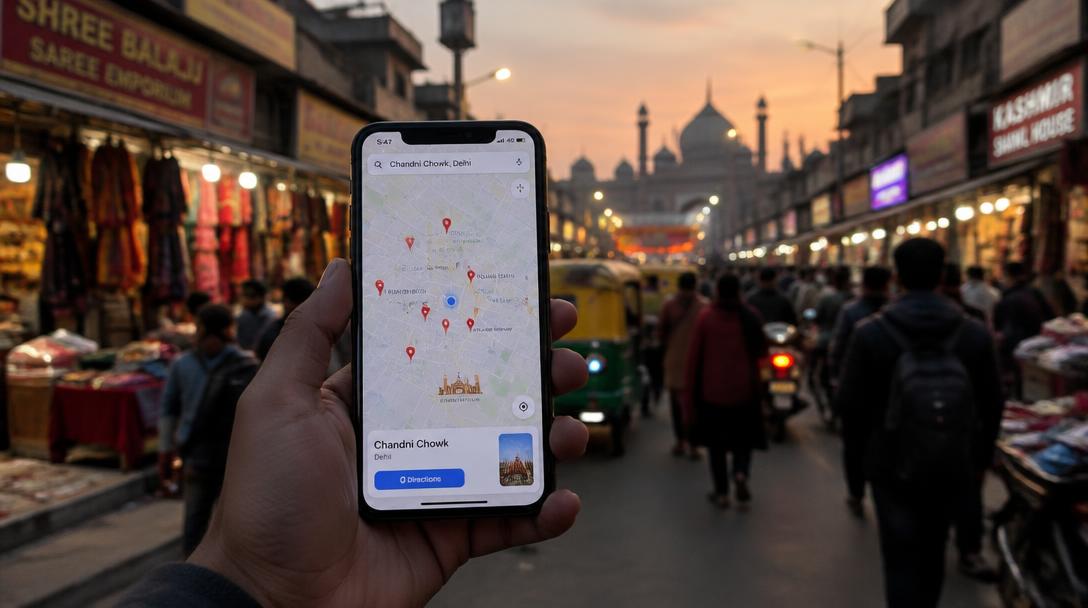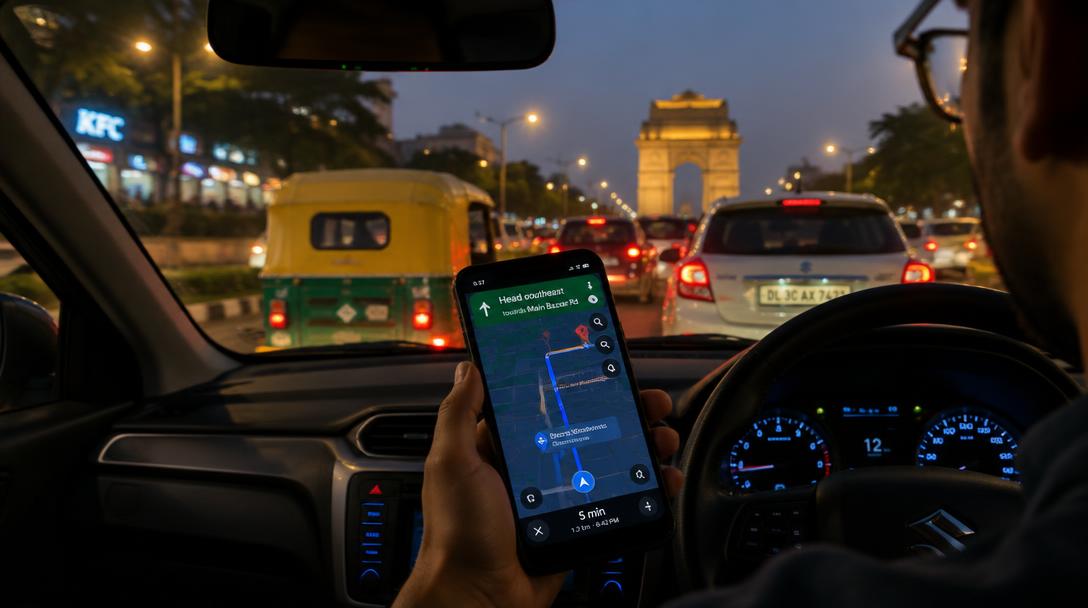
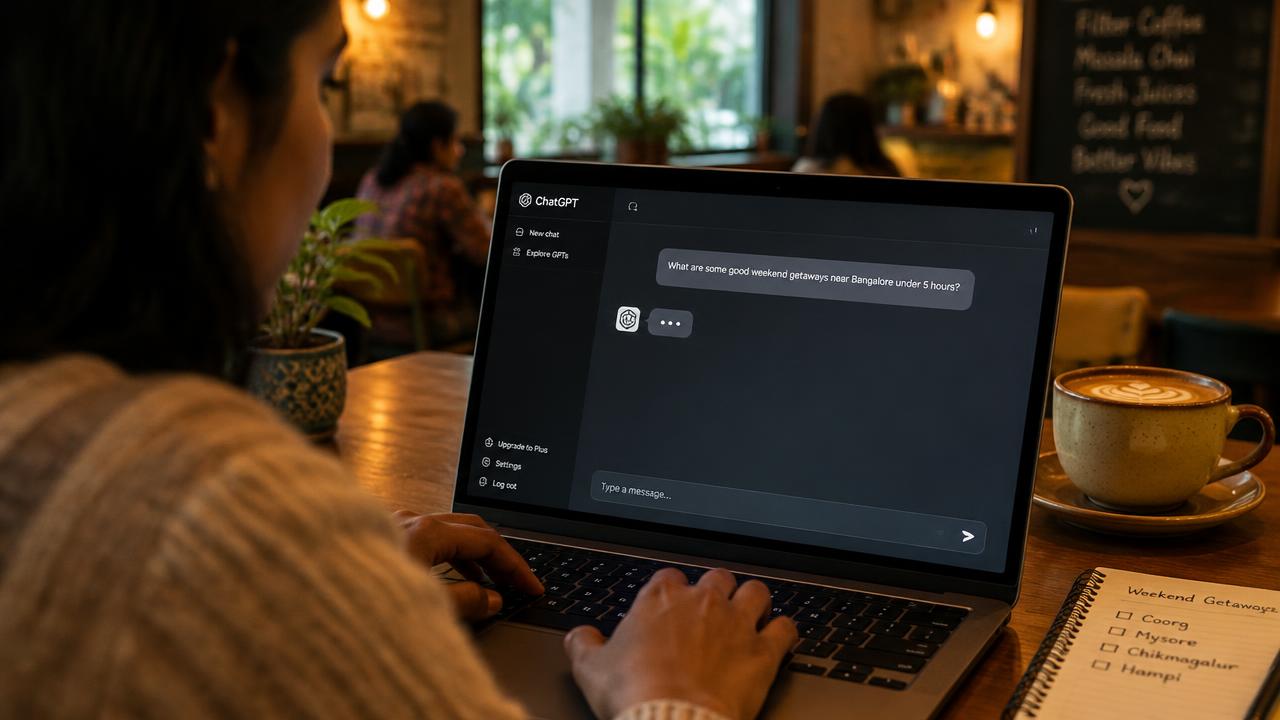
In today's India, your business needs more than just a physical shopfront. It needs a digital one. Think of a Google Business Profile (formerly Google My Business) as your online ‘dukaan’—the first place customers find you on Google Search and Maps. It’s free, powerful, and absolutely essential for getting local customers. This guide will walk you through exactly how to set up google my business in india and make it work for you, from attracting your first online visitor to becoming a trusted name in your area.
Why Your Google Business Profile is a Must-Have
For any Indian business, whether a restaurant in Delhi, a boutique in Mumbai, or a service provider in Bengaluru, visibility is everything. When a customer searches for “electrician near me” or “best dosa in my area,” Google shows them a list of local businesses. This list comes directly from Google Business Profiles.
Having a well-managed profile means you show up in these critical moments. It builds trust by providing essential information at a glance:
- Your phone number, so they can call you directly.
- Your address and directions on Google Maps.
- Your business hours, including holidays.
- Photos of your products, services, and shop.
- Reviews from other customers.
Without a profile, you are practically invisible to the growing number of customers who use their phones to find local businesses.
Step-by-Step: How to Set Up Google My Business in India
Getting your digital dukaan on the map is straightforward. Follow these steps carefully:
- Start the Process: Go to google.com/business and sign in with your Google account. It’s best to use an account associated with your business.
- Enter Your Business Name: Type your exact business name as it appears on your signboard.
- Choose a Category: Select the category that best describes your business (e.g., 'Restaurant', 'Plumber', 'Clothing Store'). This is very important for ranking.
- Add Your Location: If you have a physical shop or office customers can visit, add your address. If you are a service-area business (like a home cleaning service), you can specify the areas you cover instead of a single address.
- Provide Contact Details: Add your business phone number and website address.
- Verify Your Business: Google needs to confirm your business is legitimate. In India, this is often done by a postcard sent to your business address with a verification code. It can also sometimes be done via a phone call or email. Once you receive the code, enter it in your profile to complete the verification. Your profile will not be fully live until it is verified.
Optimising Your Profile to Attract More Customers
Just creating a profile is not enough. You need to furnish your digital dukaan to make it attractive. A complete profile ranks better and converts more visitors into customers. Focus on these areas:
- Photos and Videos: Add high-quality, real photos of your storefront, interiors, products, and your team at work. A video tour can be very effective.
- Services & Products: Don't just list your main category. Add all the specific services or products you offer with descriptions. For example, a salon should list 'haircut', 'colouring', 'facial', etc., individually.
- Business Description: Write a clear, helpful description of what your business does. Use keywords naturally.
- Attributes: Select all relevant attributes. These are quick tags that tell customers important information, like 'Accepts UPI', 'Wheelchair accessible', or 'Women-led'.
- Q&A Feature: You can pre-populate this section by adding frequently asked questions and answering them yourself. This saves customers time and shows you are helpful.
Getting all these details right is a core part of effective local SEO services, as it directly signals your relevance to Google.
Advanced Tips: Keep Your Profile Active and Engaging
Once your profile is set up and optimised, the real work begins. An active profile gets more attention from Google and customers.
- Use Google Posts: Think of Posts as free mini-ads on your profile. Share updates, special offers, new product arrivals, or event announcements. Posts expire, so aim to add a new one every week.
- Encourage and Respond to Reviews: Good reviews are golden. Encourage your happy customers to leave feedback. More importantly, respond to every single review—both positive and negative. A thoughtful response to a bad review can often win you more trust than a dozen good reviews.
- Answer Questions: Customers can ask questions directly on your profile. Answer them promptly.
A consistently updated profile sends strong signals to search engines and is a foundational step for advanced AI search optimisation, preparing your business for the future of search.
Your GBP and the Future: AI Overviews (GEO/AEO)
Your Google Business Profile is no longer just for Google Maps. It is now a primary data source for AI-powered search results, like Google's AI Overviews, ChatGPT, and Gemini. When someone asks an AI assistant, “Where can I get a custom-made suit in Delhi?”, the AI looks for trusted, structured, and reliable local data to form an answer.
A complete, accurate, and highly-rated Google Business Profile is exactly that. By keeping your information updated, you are feeding these AI engines with the correct facts about your business. This increases the chance that your business will be recommended in generative AI search results. This new field, known as Generative Engine Optimisation (GEO) or AI Engine Optimisation (AEO), is the next frontier of being found online. Making your business a trusted source for these new technologies is the core goal of AI Overview optimisation. To learn more, feel free to browse our other more guides.
FAQs: How to set up google my business in india
What if my business has no physical address?
You can still have a profile. When setting up, choose to be a 'Service Area Business'. You can then define the areas you serve (e.g., 'Delhi NCR', 'South Mumbai') without showing a physical street address. This is perfect for plumbers, consultants, and delivery-only businesses.
How much does it cost to set up a Google Business Profile?
Creating and managing a Google Business Profile account is completely free. However, professionally optimising it for maximum visibility and customer conversion requires expertise and consistent effort. The investment for professional help depends entirely on the scope of work. We invite you to talk to us for a free, no-obligation plan tailored to your business goals.
How often should I update my profile?
It's best to check your profile at least once a week. You should respond to new reviews and questions as quickly as possible. We also recommend adding a new Google Post weekly to keep your profile active and share updates or offers with your customers. Always ensure your business hours are accurate, especially during festivals and public holidays.
People also search for
- how do i create a google business profile in india
- what documents do i need for google business verification
- can i create a business profile without a shop address
- how do i claim a business profile someone else created
- how do i add photos and services to my business profile
Related topics